Song Lyrics Finder
Remember a line but not the title? Type what you've got — we'll find the song and artist.
Lyricast doesn't host song lyrics. This finder matches by song title and hook against a growing starter index of well-known tracks; full-text lookups open your music service. See our Terms.
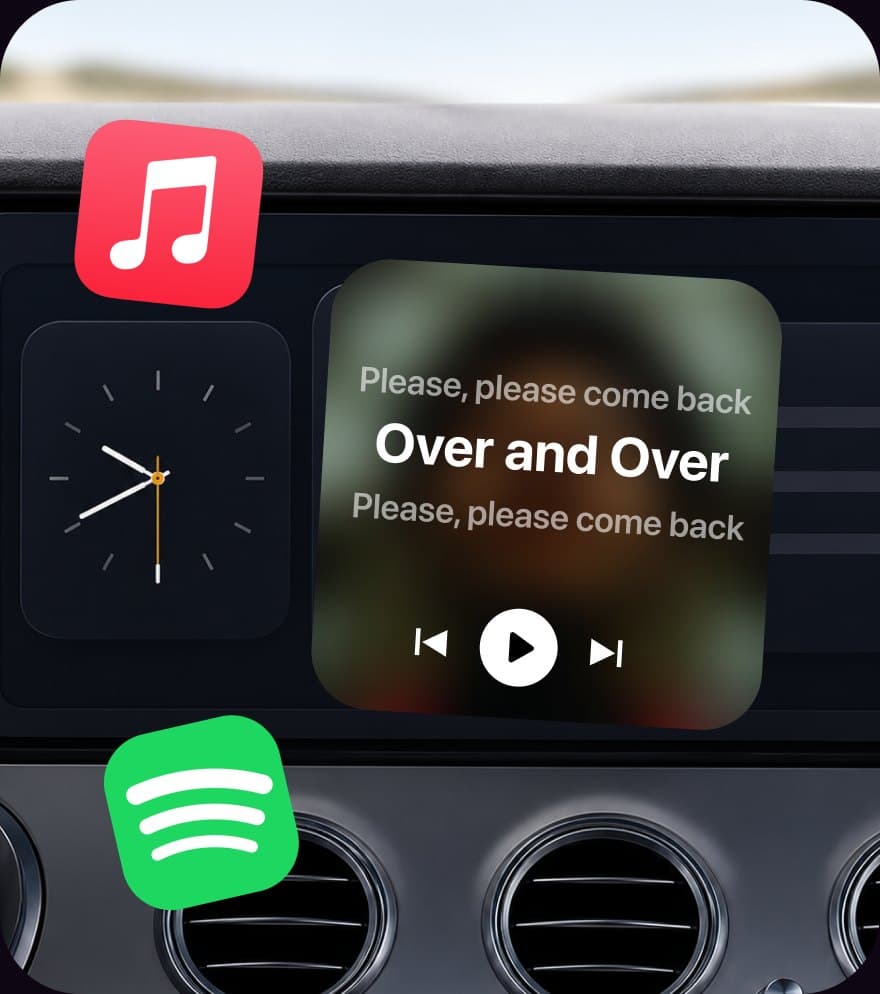
Found the song? A title is a dead end. Lyricast plays it back with every line synced word-by-word — on your CarPlay screen, Lock Screen, and Home Screen — so the track you just identified becomes a live, singable lyric.
Get Lyricast — FreeFrom “what song is this?” to singing along
The finder gets you the name. The app gets you the words — in time with the music. Once you know the track, play it in Apple Music or Spotify and Lyricast surfaces the current line automatically, so you never have to look it up line-by-line again.
- • Real-time, karaoke-style line sync
- • Hands-free on your car's CarPlay screen
- • Lock Screen & Home Screen widgets
How to find a song by lyrics
- 1
Type the piece of the lyric you remember — a few words is enough, and typos are fine.
- 2
Scan the ranked matches. The top card is the finder's best guess at the song and artist.
- 3
Tap Apple Music, Spotify, or Web search to open that exact track — or, if it's not indexed yet, to search the full line.
- 4
Play it with Lyricast running to see every line appear in real time as it plays.
The offline index currently covers 70+ widely-known songs and keeps growing. For anything outside it, the finder builds a one-tap search into a service that licenses full lyrics — we never host lyric text ourselves.
Never lose a song again
Identify the track here, then let Lyricast keep the words on screen every time it plays — synced to the second, hands-free while you drive.
Download Lyricast — FreeFrequently Asked Questions
How do I find a song by its lyrics?
Type the part of the lyric you remember into the finder above. It matches your fragment against a growing index of well-known songs — even with typos — and returns the most likely track and artist. If the exact line isn't in the offline index, it builds a one-tap search into Apple Music, Spotify, or the web so you can still track it down.
Can I find a song if I only remember one line — or one word?
Often, yes. A song's most-remembered line is usually its title or hook, which is exactly what this finder indexes. The more of the line you type, the more confident the match. If a single word is too common to pin down, add the artist or another word you recall.
Is this song lyrics finder free?
Yes. The finder runs entirely in your browser — there's no sign-up, no backend, and nothing is sent to a server. It's free to use as often as you like.
Why don't you show the full lyrics on this page?
Full song lyrics are copyrighted, so we don't host or reproduce them. This tool identifies the song from the hook you remember, then hands off full-text lookups to services that license lyrics. That keeps everything above board while still getting you to the right track.
How do I get the lyrics scrolling once I've found the song?
Play the track in Apple Music or Spotify with Lyricast running. Lyricast shows the current line in real time — word-by-word, karaoke-style — on your CarPlay display, iPhone Lock Screen, and Home Screen widgets, so a song you just identified becomes a live, singable lyric.